
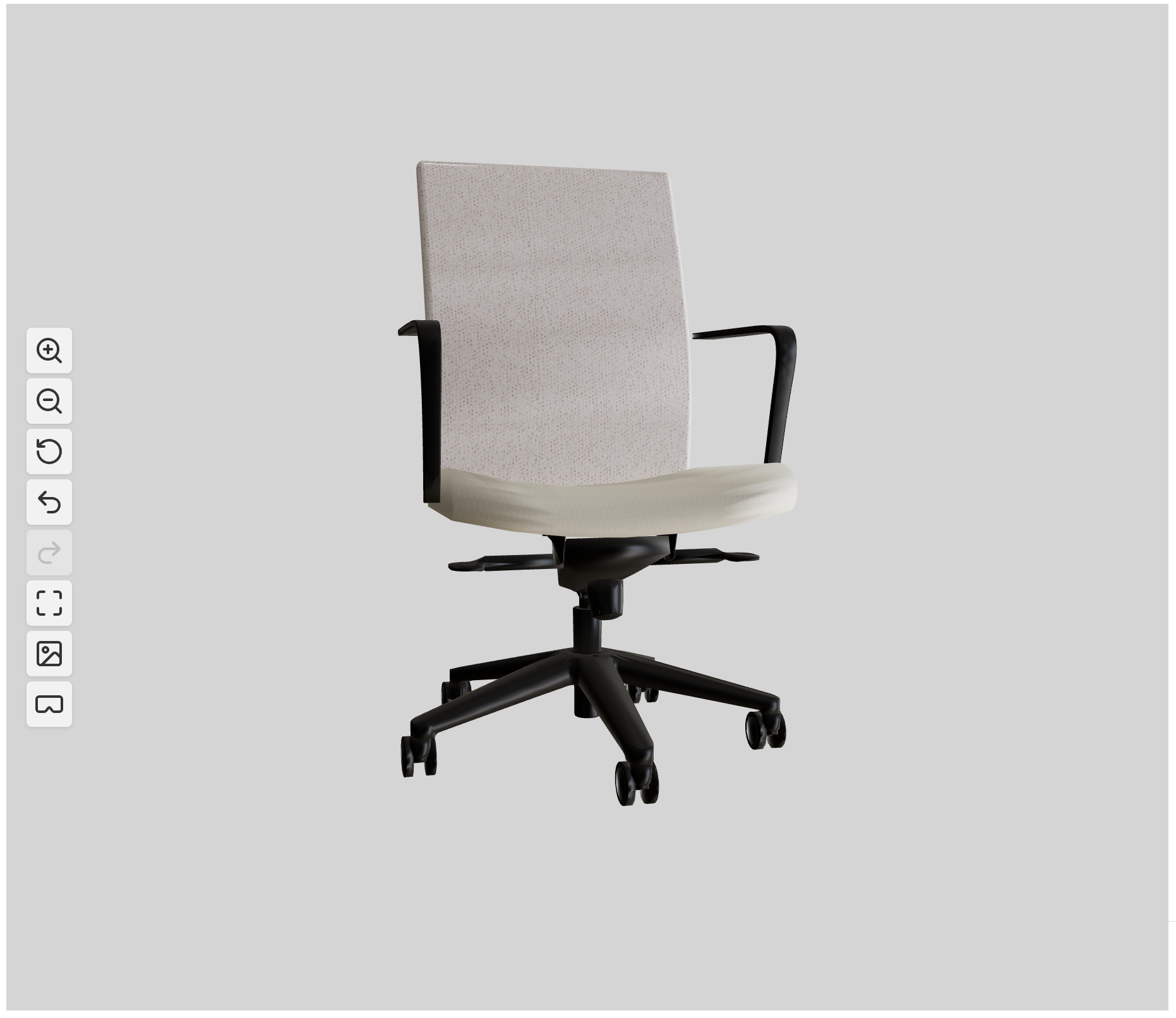
WooCommerce 3D Product Customizer & Configurator Plugin
Let customers customize products in real-time 3D — swap materials, hide parts, and view in AR. No coding required. Built for WooCommerce.
How does it work?
Upload & Manage 3D Models Directly in WooCommerce
No external hosting, no developer handoff. Upload .glb files straight from the WooCommerce product editor — the same way you’d set a featured image. Drag-and-drop, instant preview, and automatic model integrity checks. Your 3D assets stay inside WordPress, always.
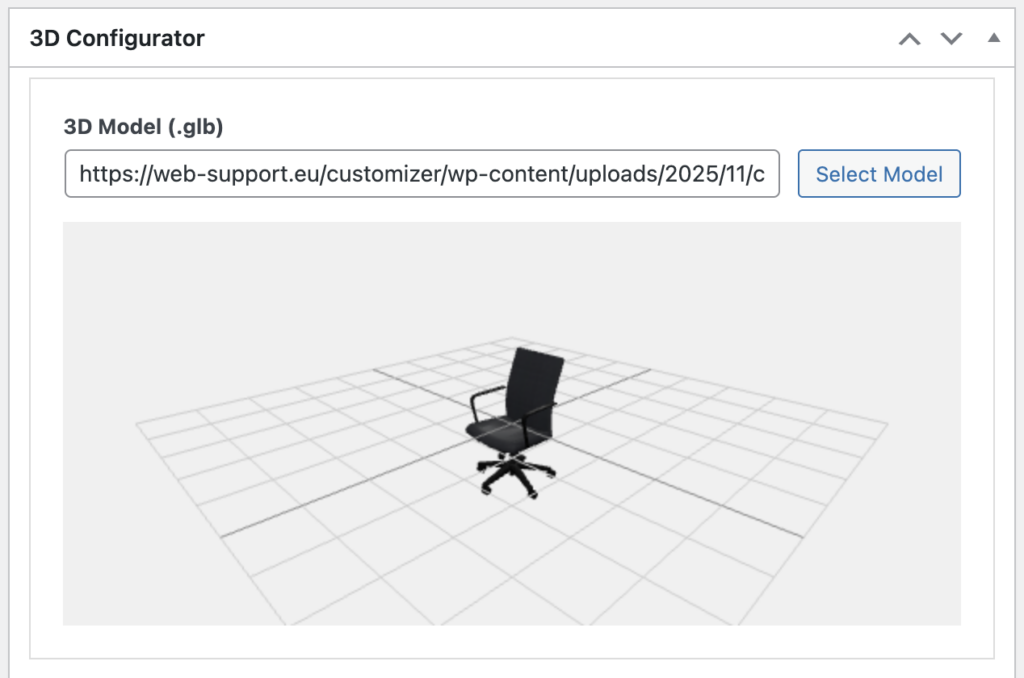
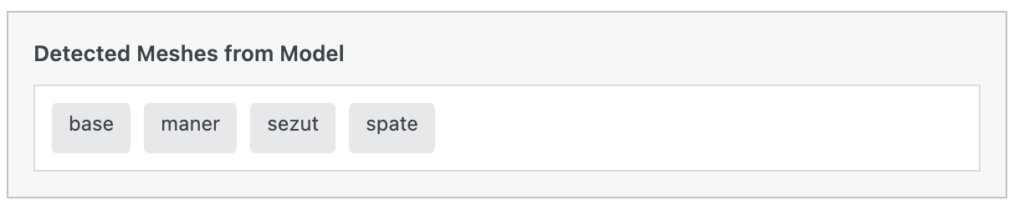
Automatic mesh detection
Upload any .glb model and the plugin reads its geometry hierarchy instantly — every mesh is identified and mapped into the step configurator automatically.
- Scans the full model hierarchy to surface every distinct part
- Pre-populates configuration steps so you can assign materials or toggle visibility in seconds
- Fine grained control of what parts you edit
Texture definition
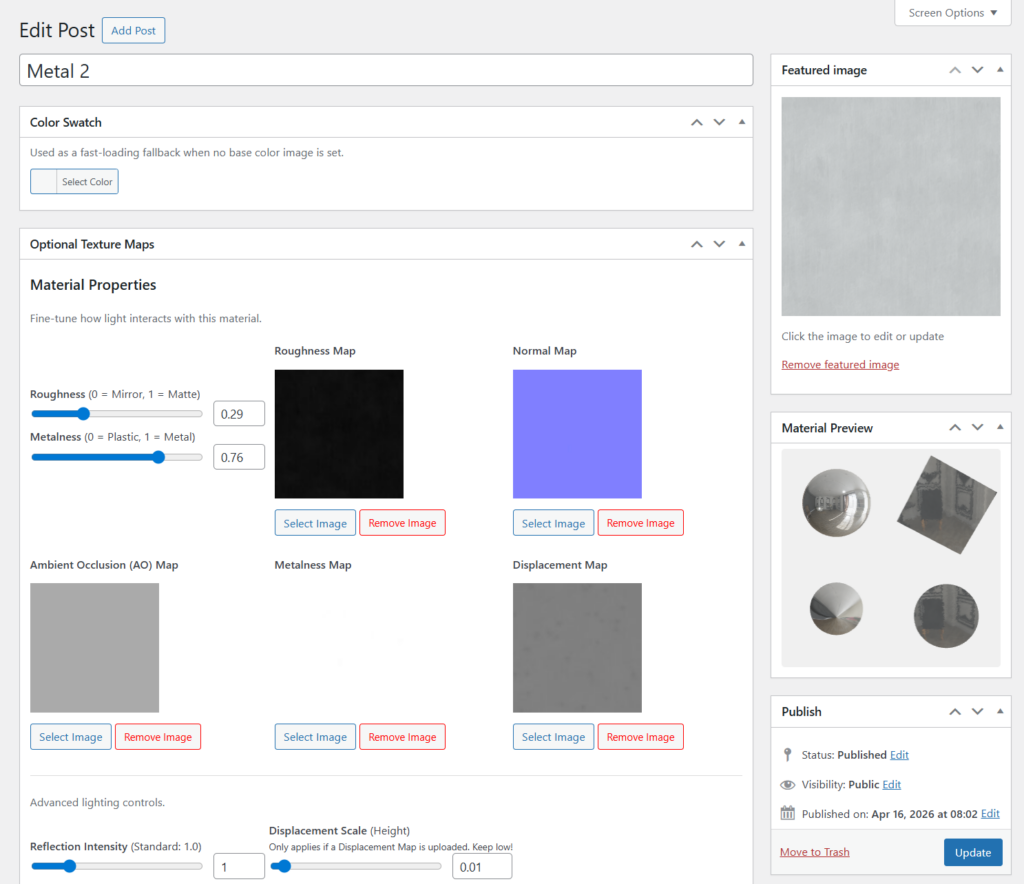
Design physically accurate materials using PBR (Physically Based Rendering) controls — no design software required.
- Dial in roughness, metalness, and reflection intensity to match real-world samples
- From matte rubber to brushed metal to soft fabric, every surface is adjustable with simple sliders
- Upload your own base color, normal, AO, metalness, and displacement maps for photorealistic results
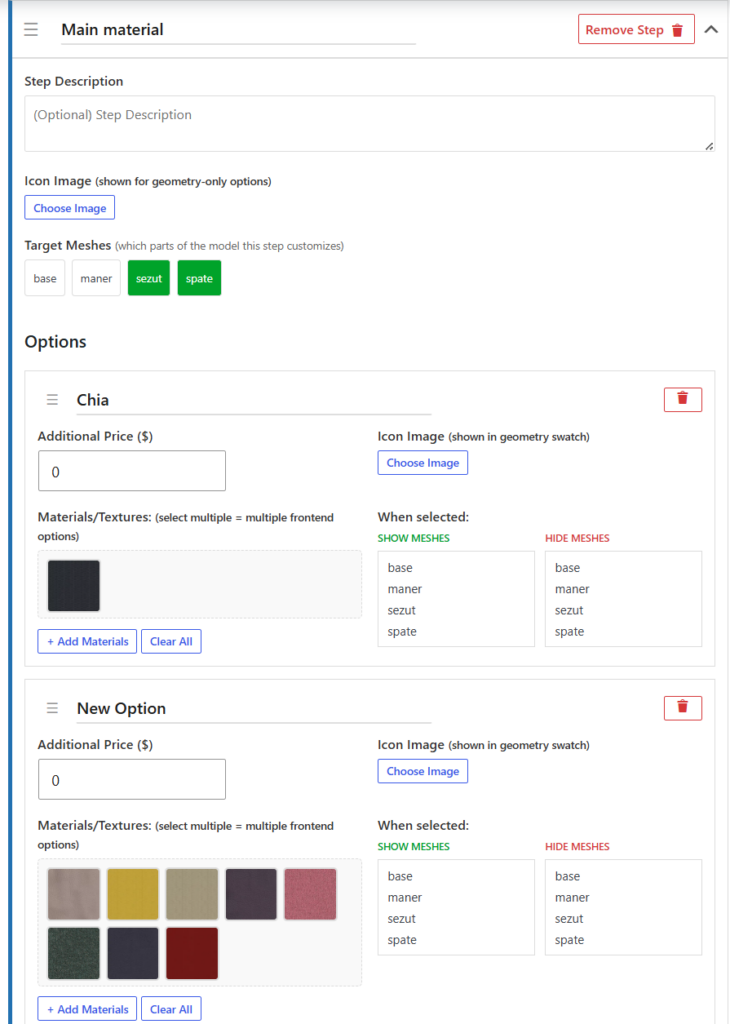
Easy texture selection
Once your materials are saved, they appear as a visual gallery inside every step. Just check the boxes for the textures you want — “Red,” “Blue,” “Black” — and the frontend options generate themselves. No code, no templates, no repetitive setup.
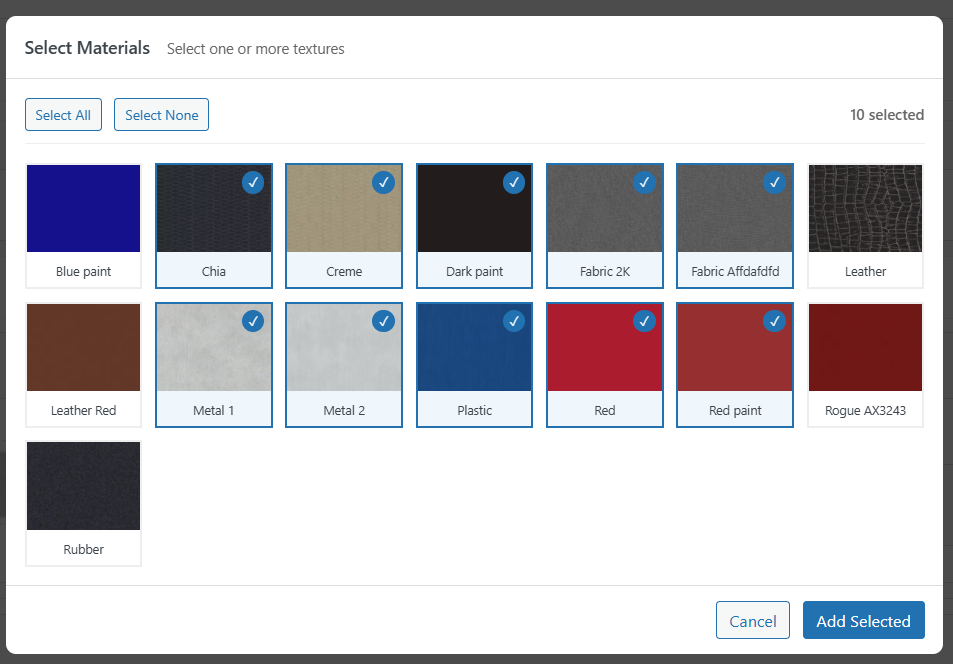
Powerful configuration options
Go beyond surface-level colors. Each step targets specific model meshes, letting you build configurations that change the actual product geometry.
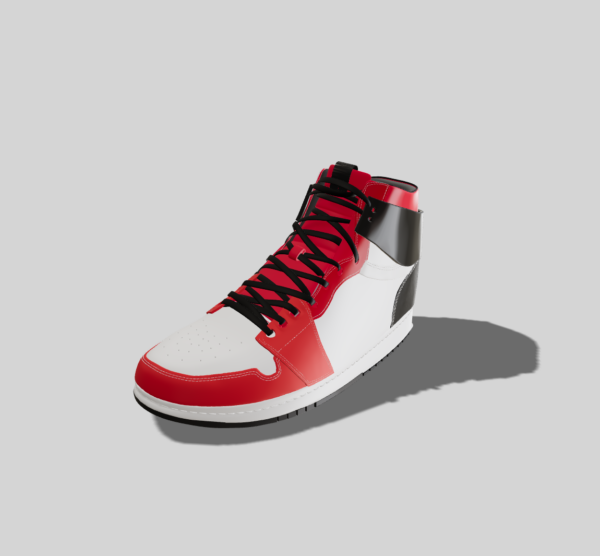
- Configure options that alter the silhouette — hide “Laces” when “Velcro Strap” is selected, or toggle between “High-Top” and “Low-Top” variants
- Apply show/hide rules to multiple mesh groups simultaneously to keep mirrored parts in sync
- Chain multiple rules across steps for complex product logic, all managed from a single interface
Free vs Premium features
| Feature | Free | Premium |
|---|---|---|
| Upload & display a 3D model | Yes | Yes |
| Base color texture or color picker per option | Yes | Yes |
| Roughness & metalness sliders | Yes | Yes |
| Customization steps | Yes | Yes |
| Viewer Only Mode | Yes | Yes |
| Camera, zoom & background settings | Yes | Yes |
| HDR environment map | Yes | Yes |
| Undo / redo, PDF, AR view | Yes | Yes |
| Material Preview | – | Yes |
| Multiple textures per option | – | Yes |
| Bulk Add Materials to a step | – | Yes |
| Show / Hide mesh controls per option | – | Yes |
| Normal, AO, metalness & displacement maps | – | Yes |
| Reflection intensity & displacement scale | – | Yes |
| Hotspots/Annotations | – | Yes |
| Price | Free | $99.99 (lifetime / per site) |
If you want custom features or a dedicated success manager please contact us.
FAQ
GLB (binary GLTF) is the recommended format. GLTF (JSON-based) is also supported. The plugin registers these MIME types with WordPress so they can be uploaded through the standard Media Library.
Yes. The plugin provides three display methods: automatic display before the product summary, shortcode-based display for page builders like Elementor and Divi, and a manual do_action hook for custom theme templates.
Yes. The free version supports single-material customization with base color, roughness, and metalness controls. The premium version unlocks multiple textures per option, plus full PBR map support including normal, AO, metalness, and displacement maps.
Yes. AR view is supported on compatible mobile devices. On iOS, the model opens in Quick Look. On Android, it uses WebXR. An AR button with configurable settings is included.
No. The plugin works out of the box with a visual admin interface. Upload a GLB model, create steps and assign textures — all through the WordPress admin dashboard. No JavaScript or PHP knowledge required.
When a customer clicks Add to Cart, the current configuration is sent as a JSON payload. Each selected option (part + material name) is stored as a WooCommerce line-item meta entry and is visible on the order detail page and in emails.
WordPress 6.0 or higher, PHP 7.4 or higher, and WooCommerce installed and active.
For details and implementation support.